Tweet to image generator.
Paste a link to a public post on X, or write your own. Choose a theme and background, then download the image.
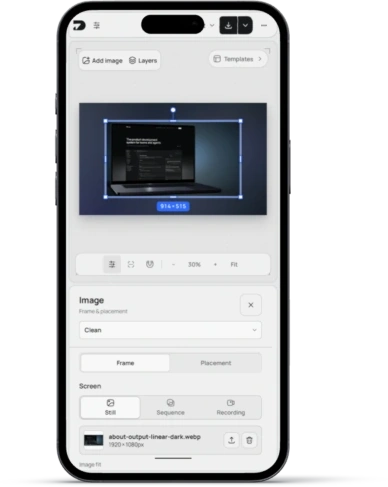
Drag to move. Use the corner handles or Size control to resize. Only post links leave this device.
From post to image.
Create a coordinated store setLoad your post.
Paste a link to a public post on X, or edit the starter card to write your own.
Make it yours.
Choose Light, Dim, or Dark, edit any field, and set the background and shadow.
Download it.
Export the image or a transparent card. Open in editor to add a headline or build a launch graphic.
More tools.
View all tools



Questions people ask.
Is the tweet to image tool free?
Yes. Make and download post images without an account, subscription, or watermark.
Which posts can I load?
Public posts on X. Paste a link from x.com or twitter.com. Deleted, private, and age-restricted posts cannot be loaded; write those by hand instead.
What is sent when I paste a link?
Only the post link. DeioLab looks up the public post and draws the card in your browser. Your canvas and edits stay on this device.
Can I edit the post?
Yes. Change the name, handle, badge, text, profile image, images, date, and counts, or write a post from scratch.
Why are some counts missing?
X does not always share reposts or views for a post. Type any count you want to show, or leave it empty to hide it.
Can I download a transparent card?
Yes. Open Export options and choose Transparent under Background. PNG and WebP preserve transparency.