Laptop mockup generator.
Put your website or app screenshot in a three-dimensional MacBook. Adjust the angle, finish, and light, then export an image for your website or presentation.
Free. No account. Your screenshot stays on your device.
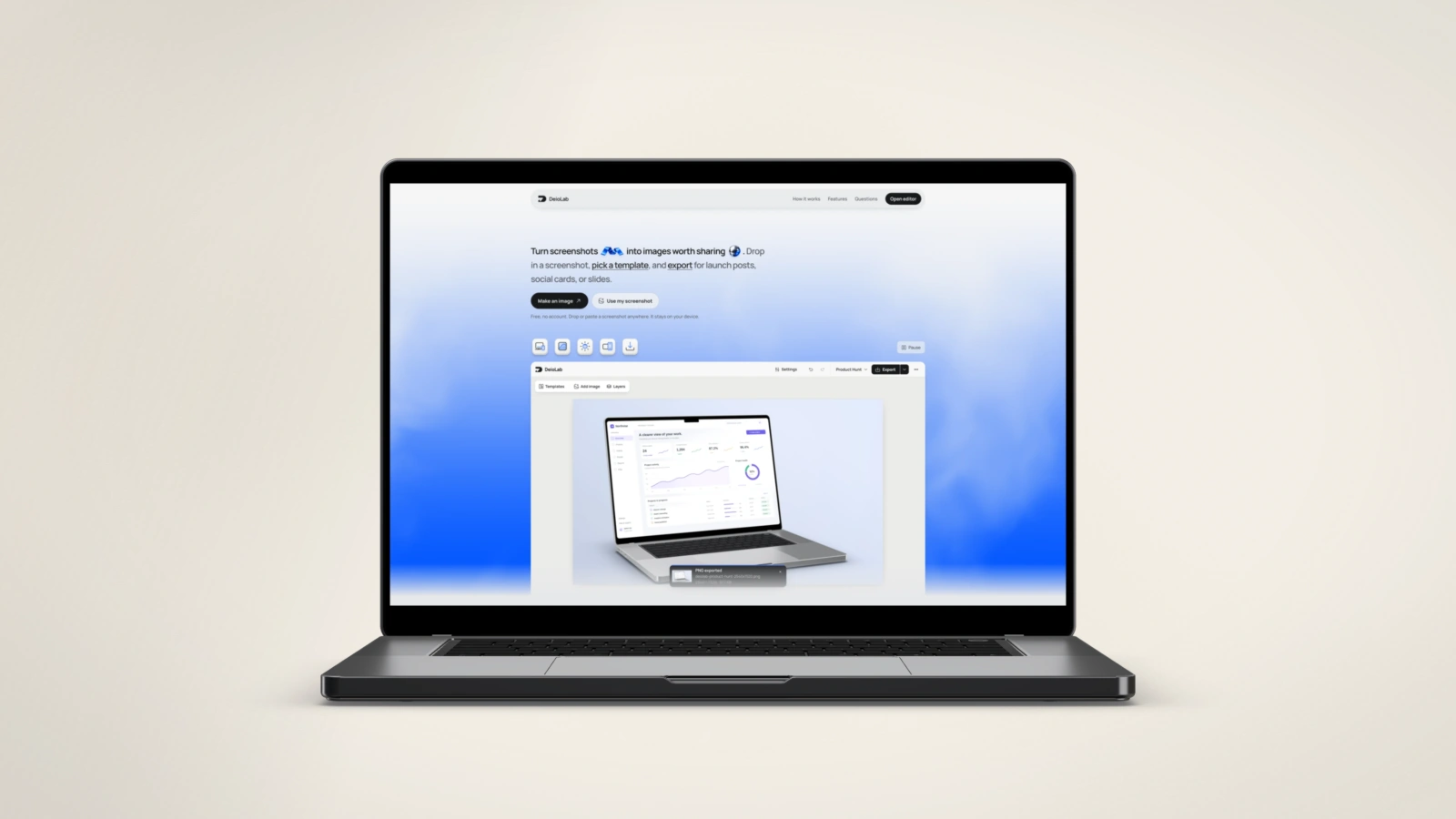
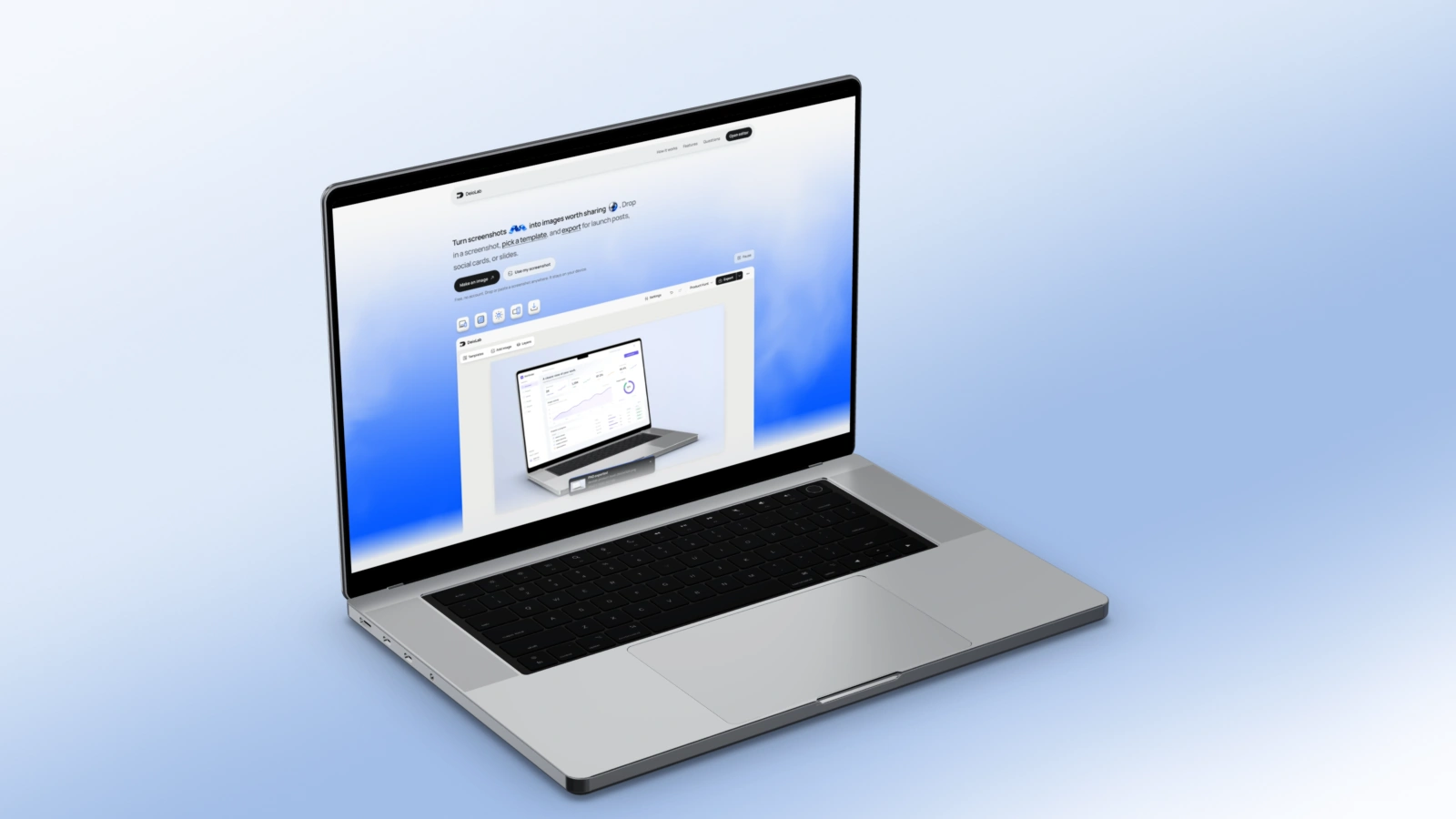
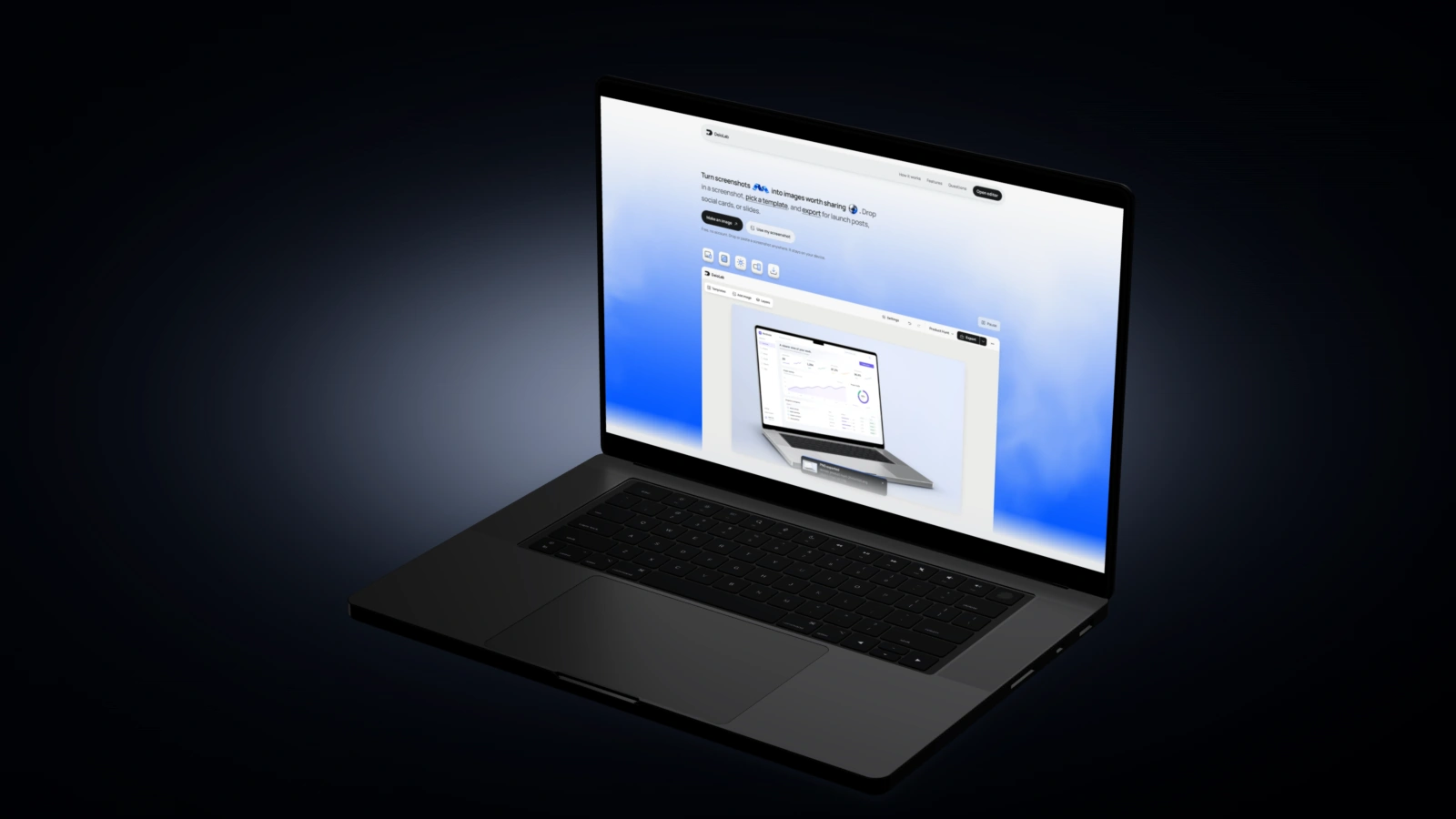
From screenshot to laptop mockup.
Choose a starting look above, then bring your own screenshot.
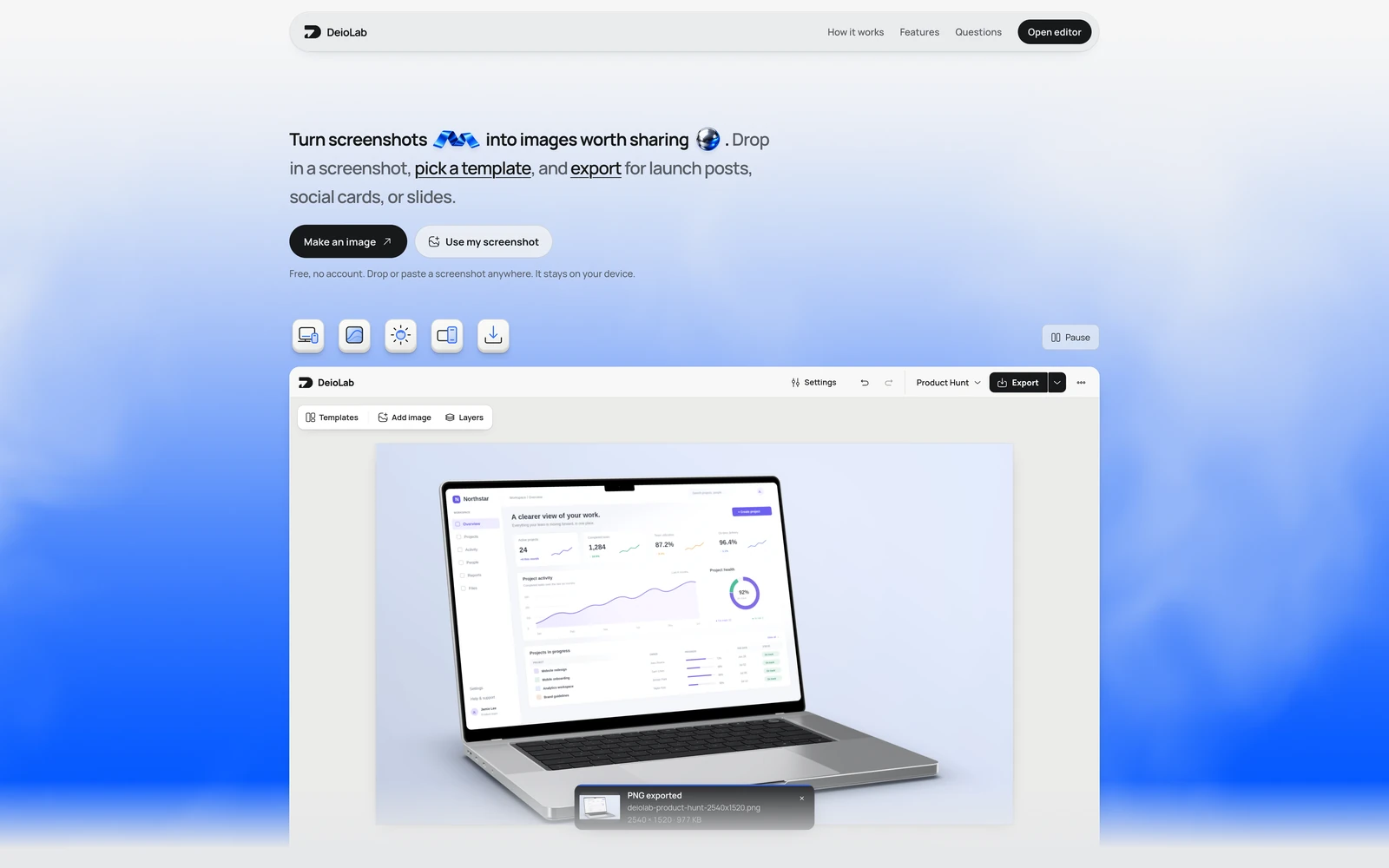
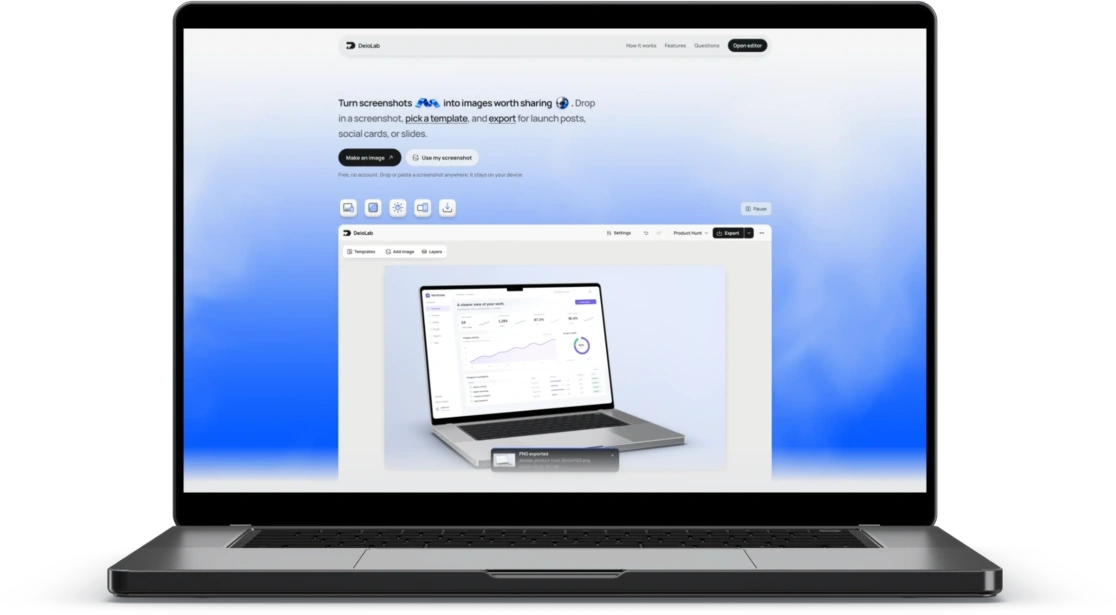
Your screenshot. On a MacBook.
A PNG, JPEG, or WebP opens with MacBook selected. A new canvas starts with your chosen look; existing work keeps its background.
Choose a straight, perspective, floating, or overhead view. Adjust the lid angle, silver or dark finish, lighting, shadow, and reflections in the editor.
Use a desktop screenshot for a natural fit. Adjust screen fit and focal position to contain the full image or choose the part that fills the display.
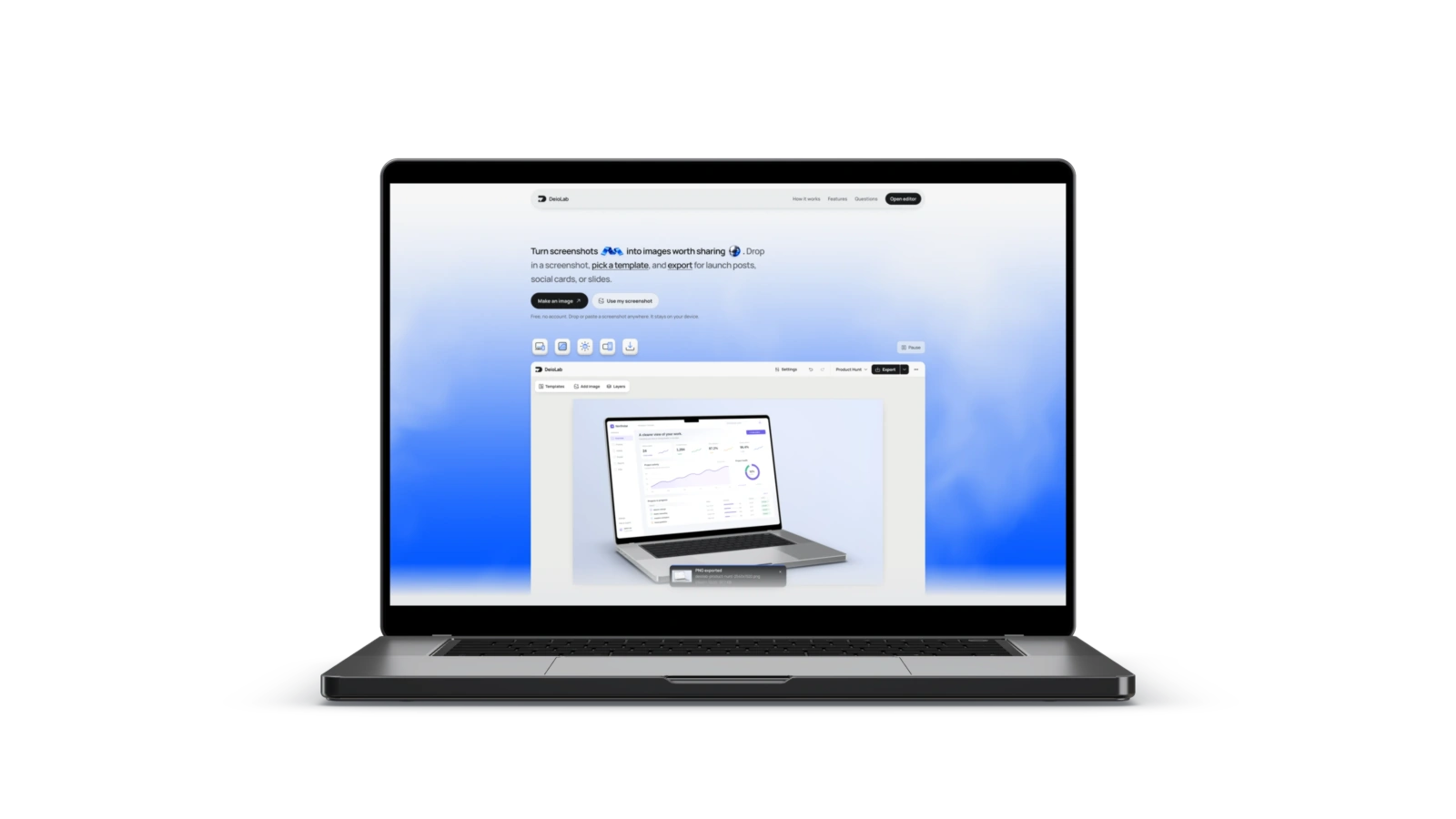
Export the image.
Or just the device.
Choose your canvas size and download a PNG at 1× or 2×. Add extra sizes in Export options to download them together as a ZIP.
Choose Device or Device + shadow for a transparent cutout you can place on your website or slides.
Questions people ask.
Is the laptop mockup generator free?
Yes. Create and export without an account, subscription, or DeioLab watermark.
Are my screenshots uploaded?
No. Your screenshot is edited and exported in your browser. Local recovery keeps your work on this device.
Can I change the MacBook angle and finish?
Choose a straight, perspective, floating, or overhead view. Adjust the lid angle, silver or dark finish, lighting, shadow, and reflections in the editor.
Can I export a transparent mockup?
Yes. Choose Device or Device + shadow in Export options to download a transparent PNG.
Can I add another 3D device to an existing composition?
Each composition supports one 3D device. If your canvas already has one, the new screenshot is added in a Clean frame and your existing work is preserved.
Can I capture a website from its URL?
Bring an existing PNG, JPEG, or WebP screenshot. This page does not capture URLs. Screen capture is available inside the editor.