Clean frame generator.
Give your screenshot a simple edge, rounded corners, and a soft shadow. Choose a background and export an image for your website, post, or presentation.
Free. No account. Your screenshot stays on your device.
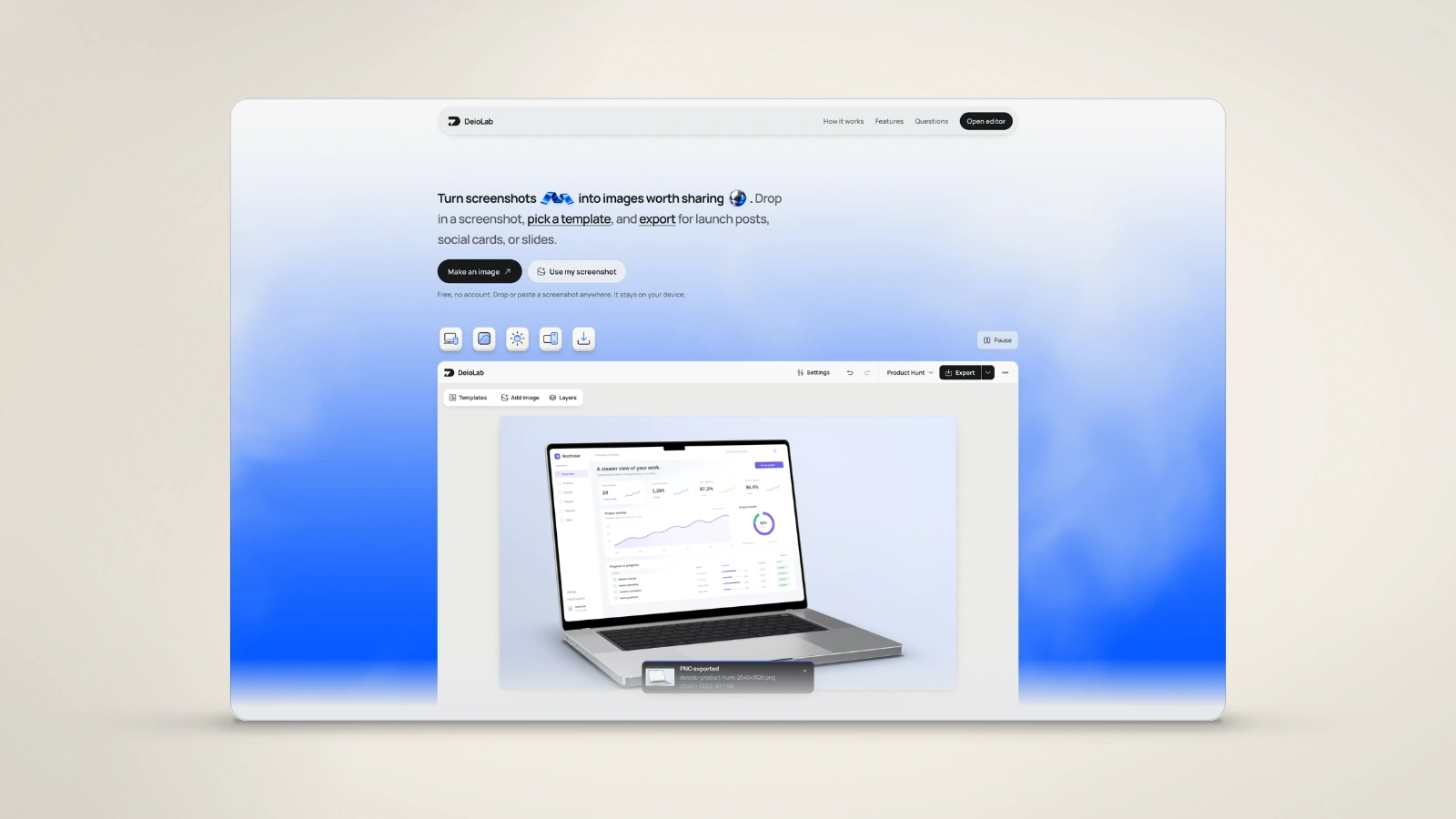
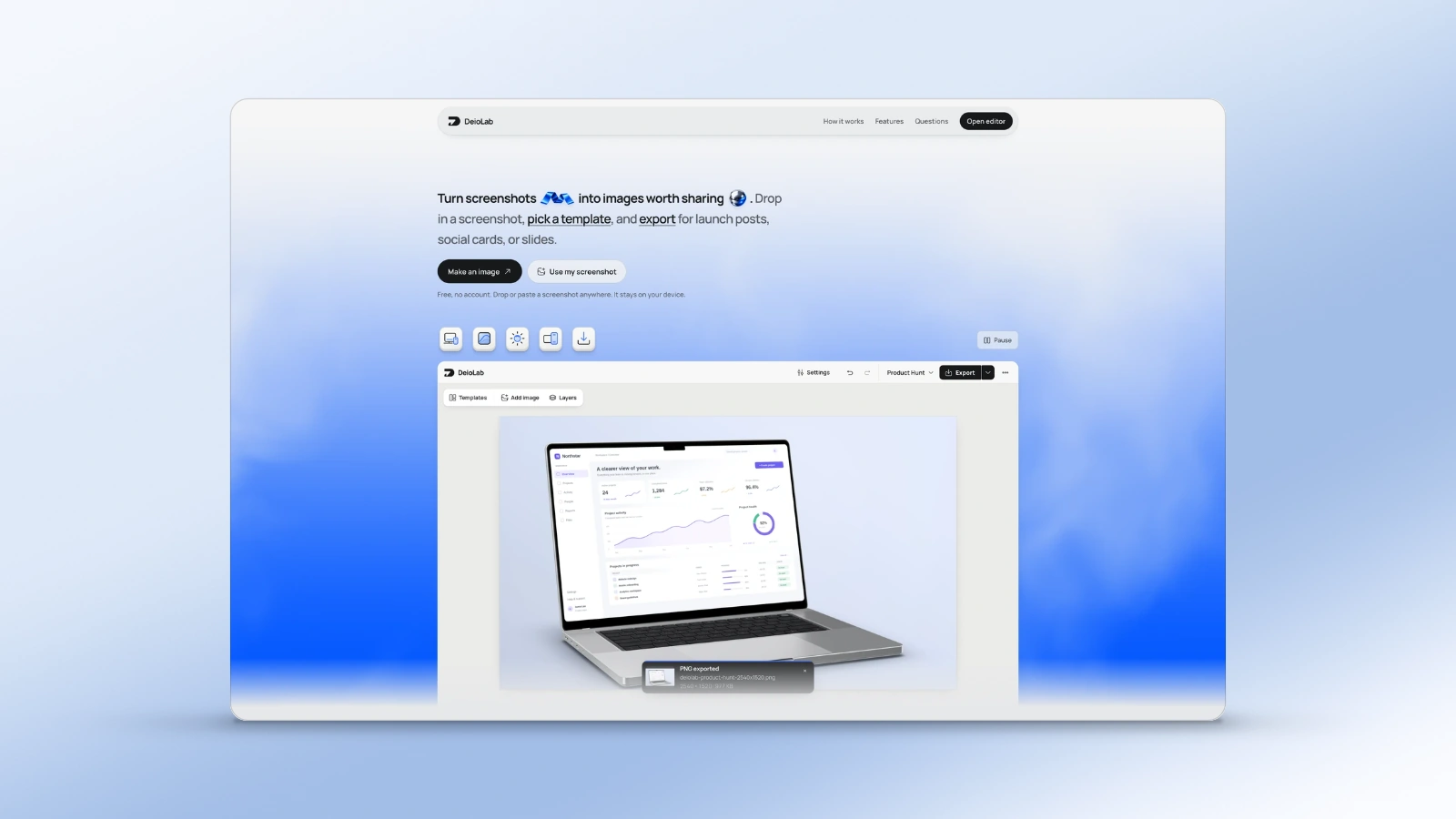
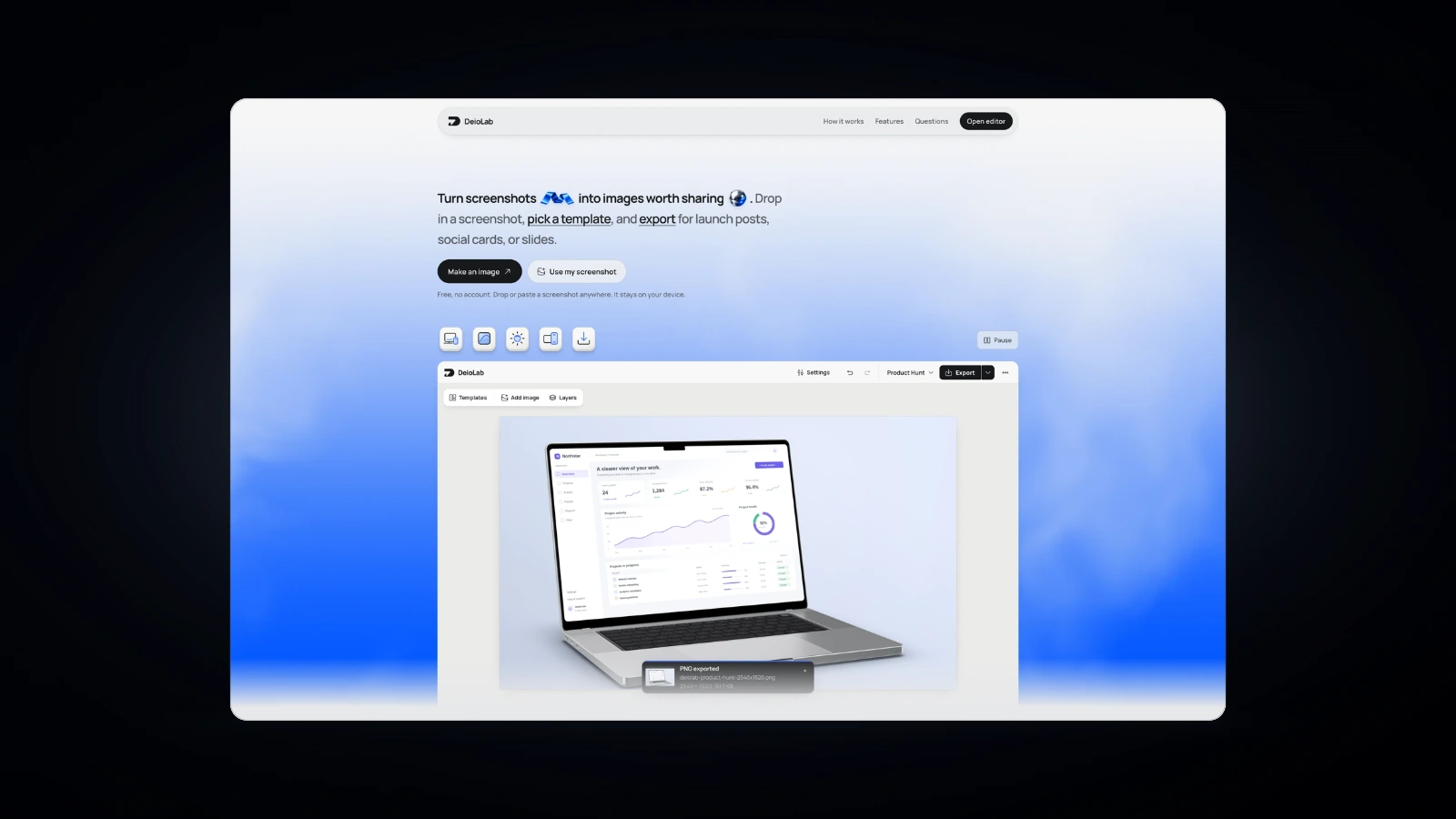
From screenshot to clean frame.
Choose a starting look above, then bring your own screenshot.
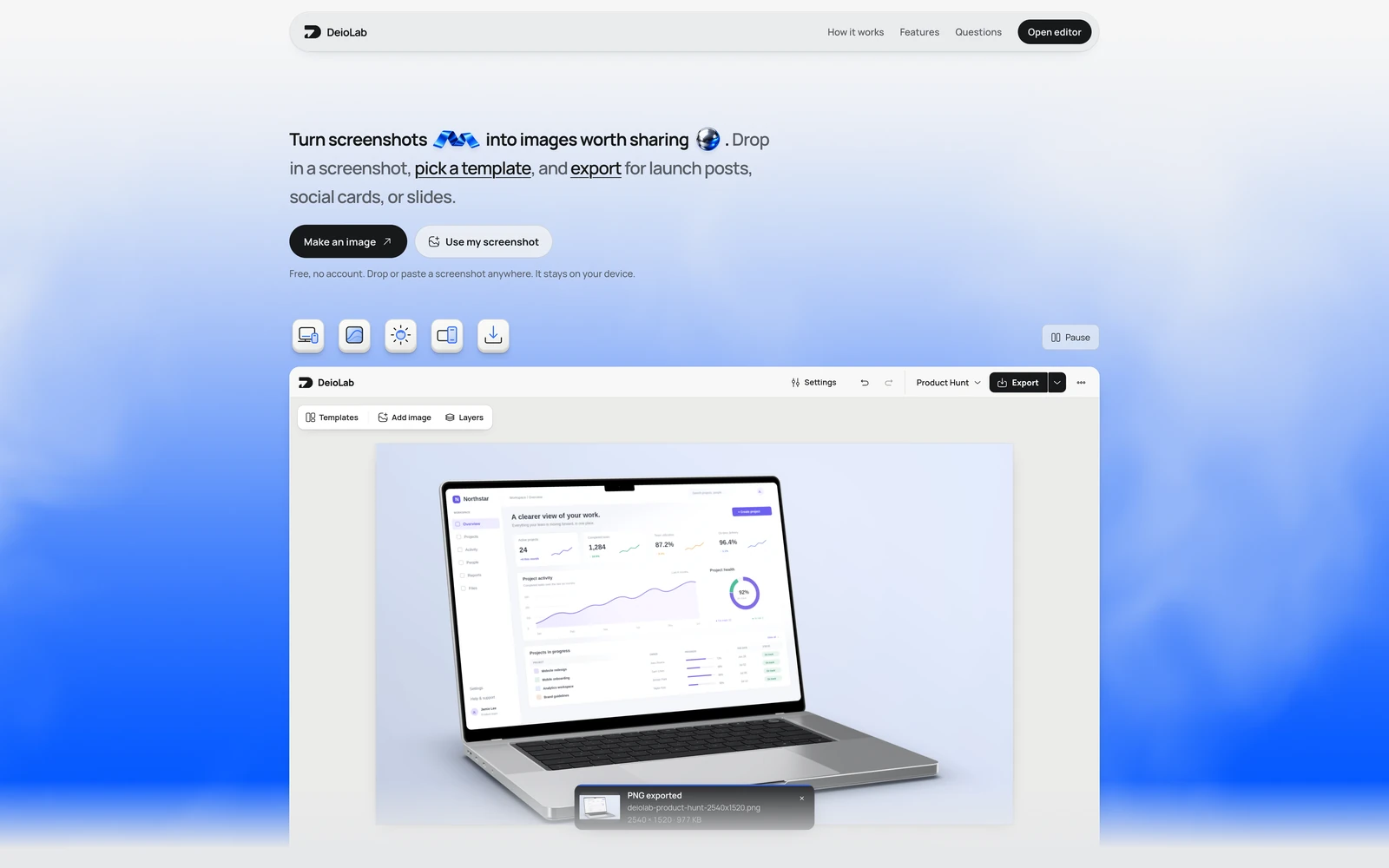
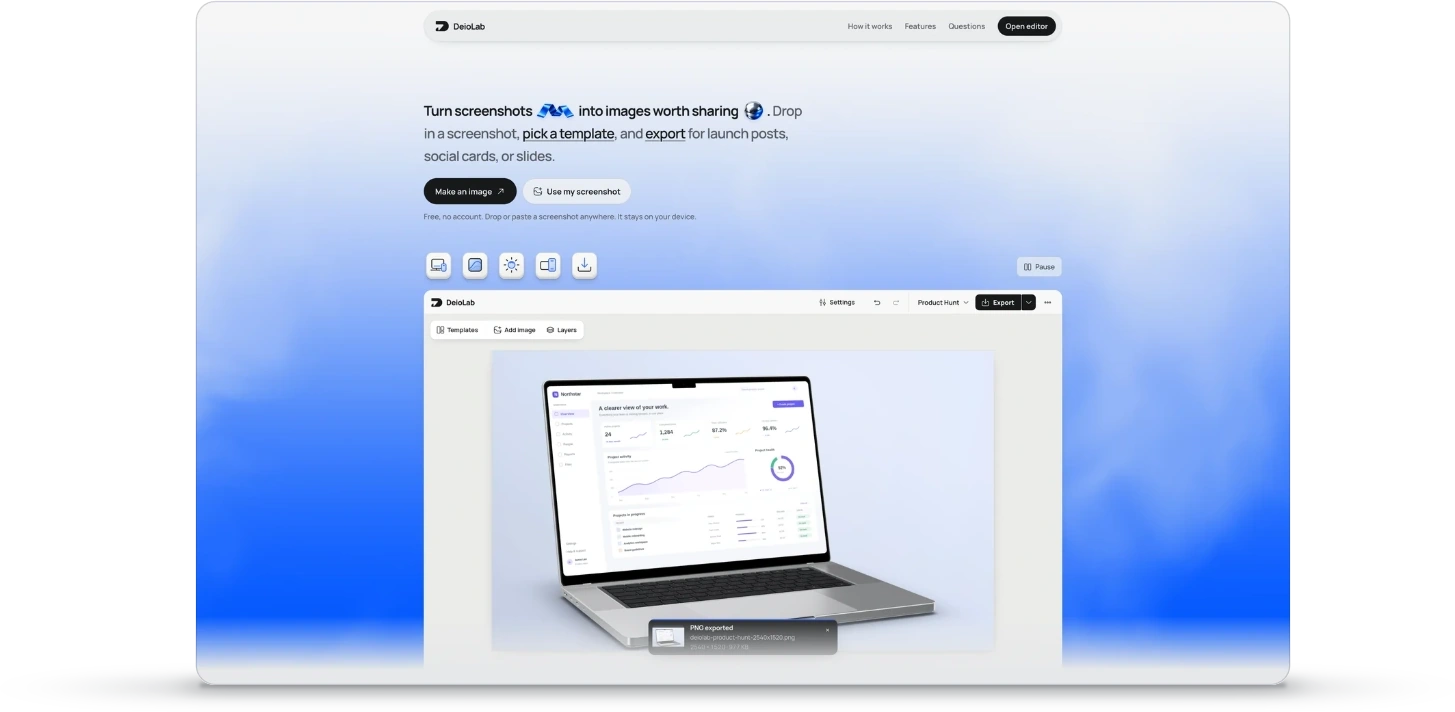
Your screenshot. With room to breathe.
A PNG, JPEG, or WebP opens with Clean selected. A new canvas starts with your chosen look; existing work keeps its background.
Adjust the corner radius and shadow, then move or resize the screenshot on your canvas. The Clean frame keeps the focus on your original interface.
Desktop and phone screenshots keep their original proportions. Start with a landscape, square, or portrait canvas, then arrange your screenshot and any text.
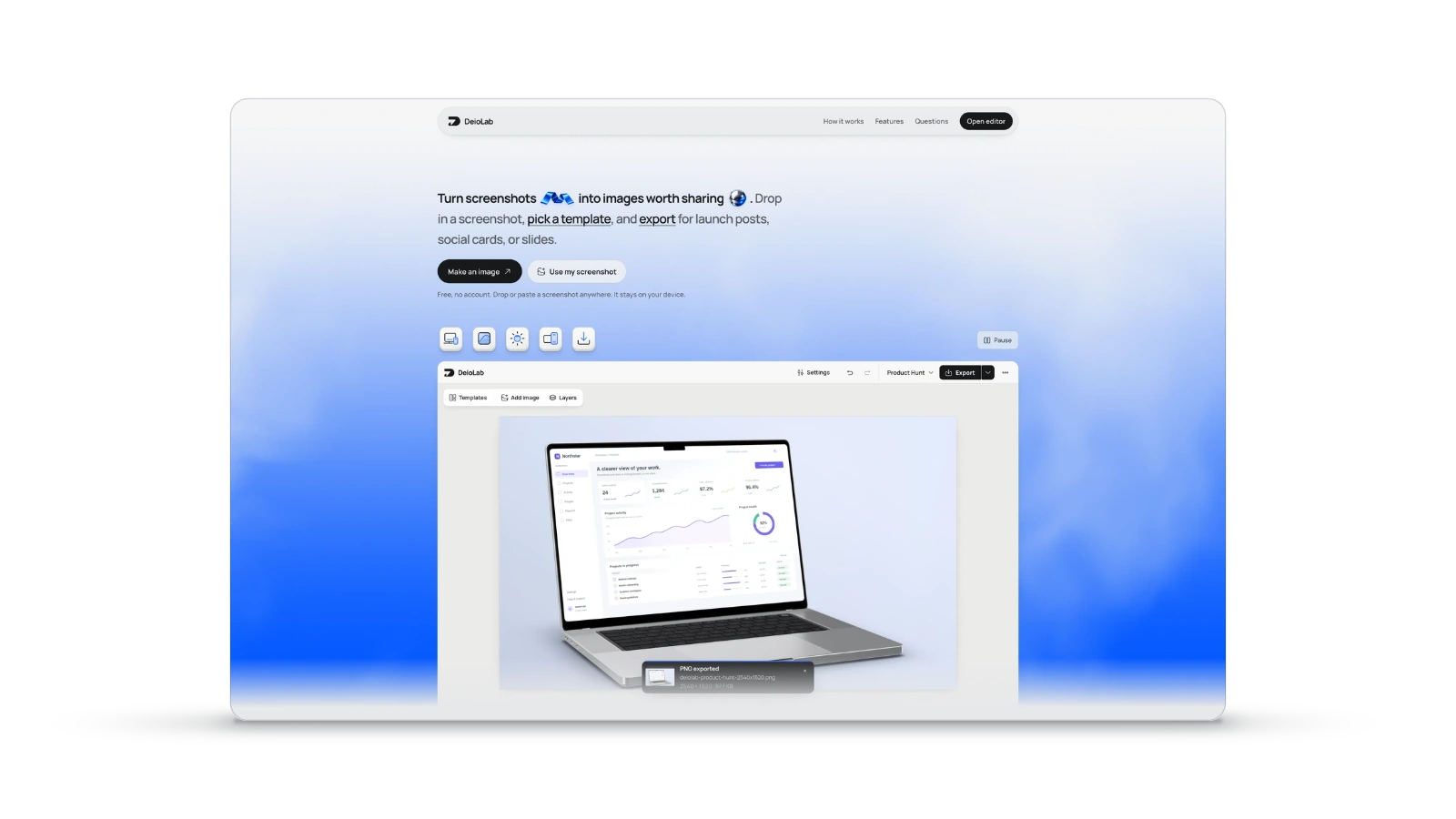
Export the image.
Or just the frame.
Choose your canvas size and download a PNG at 1× or 2×. Add extra sizes in Export options to download them together as a ZIP.
Choose Device or Device + shadow for a transparent cutout you can place on your website or slides.
Questions people ask.
Is the clean frame generator free?
Yes. Create and export without an account, subscription, or DeioLab watermark.
Are my screenshots uploaded?
No. Your screenshot is edited and exported in your browser. Local recovery keeps your work on this device.
Can I change the corners and shadow?
Adjust the corner radius and shadow, then move or resize the screenshot on your canvas. The Clean frame keeps the focus on your original interface.
Can I export a transparent mockup?
Yes. Choose Device or Device + shadow in Export options to download a transparent PNG.
Can I use Clean alongside a 3D device?
Yes. Clean is a flat frame, so it can sit alongside a 3D phone, laptop, or tablet in the same composition.
Does Clean add browser chrome or device hardware?
No. Clean adds an edge and optional rounded corners and shadow around your screenshot. Choose Browser, Phone, Laptop, or Tablet for their matching frames.