App Store screenshot generator.
Bring your app screens, choose a look, and make a coordinated set for the App Store or Google Play.
Free. No account. Your screenshots stay on your device.
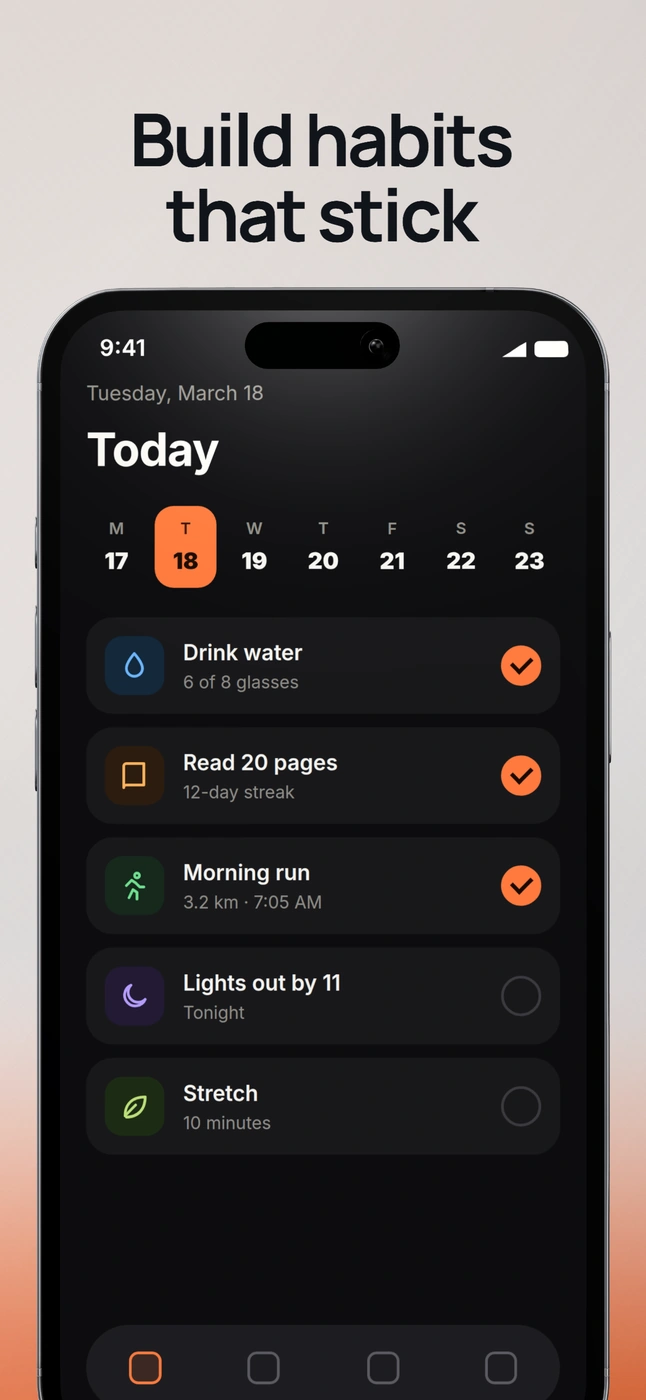
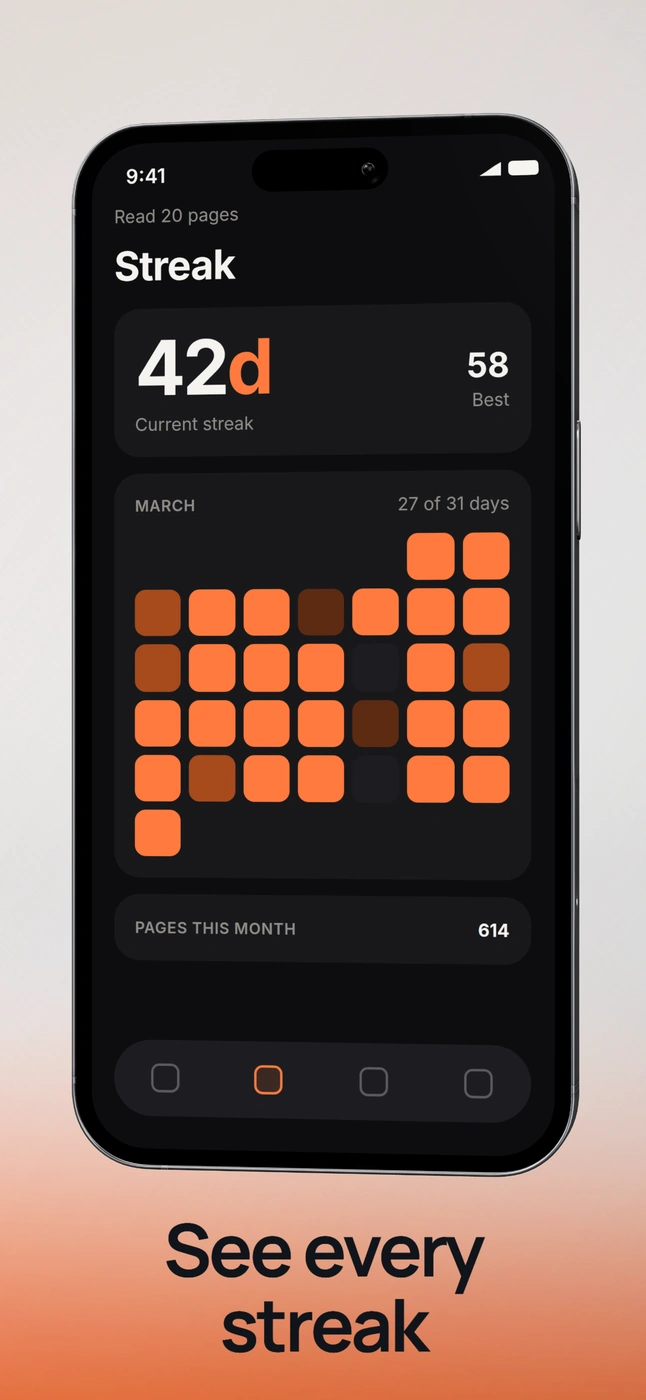
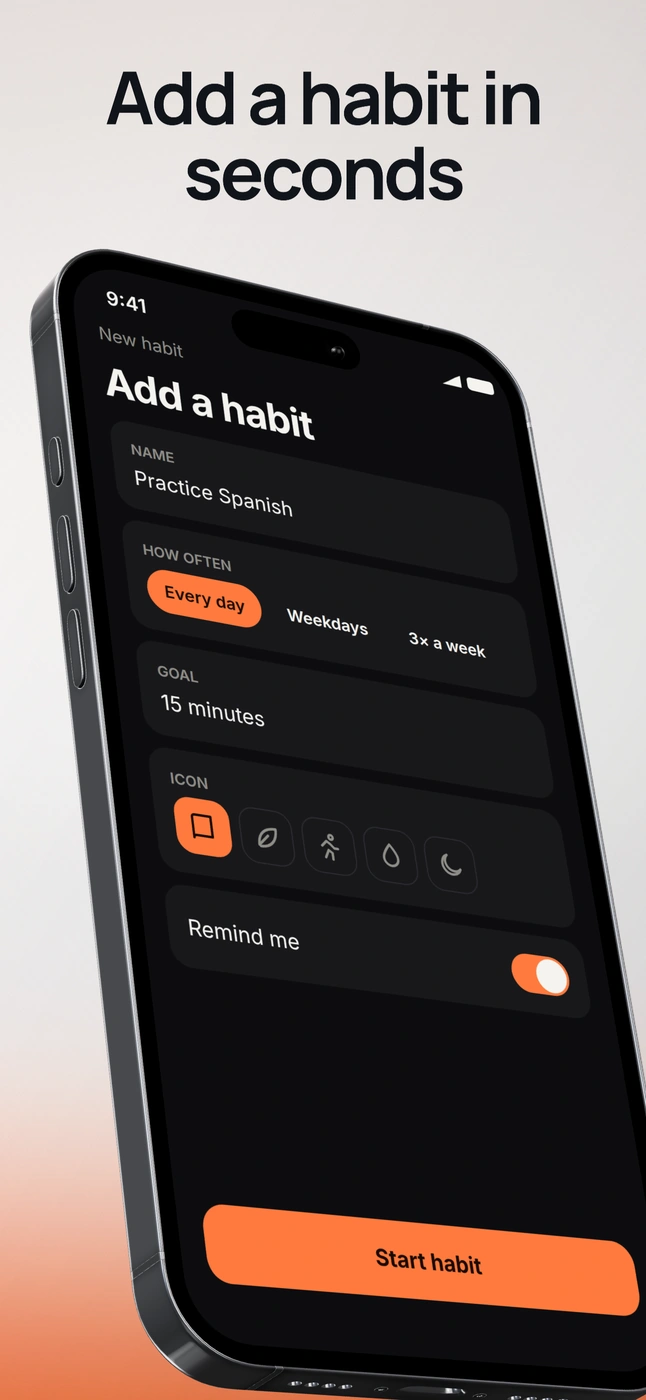
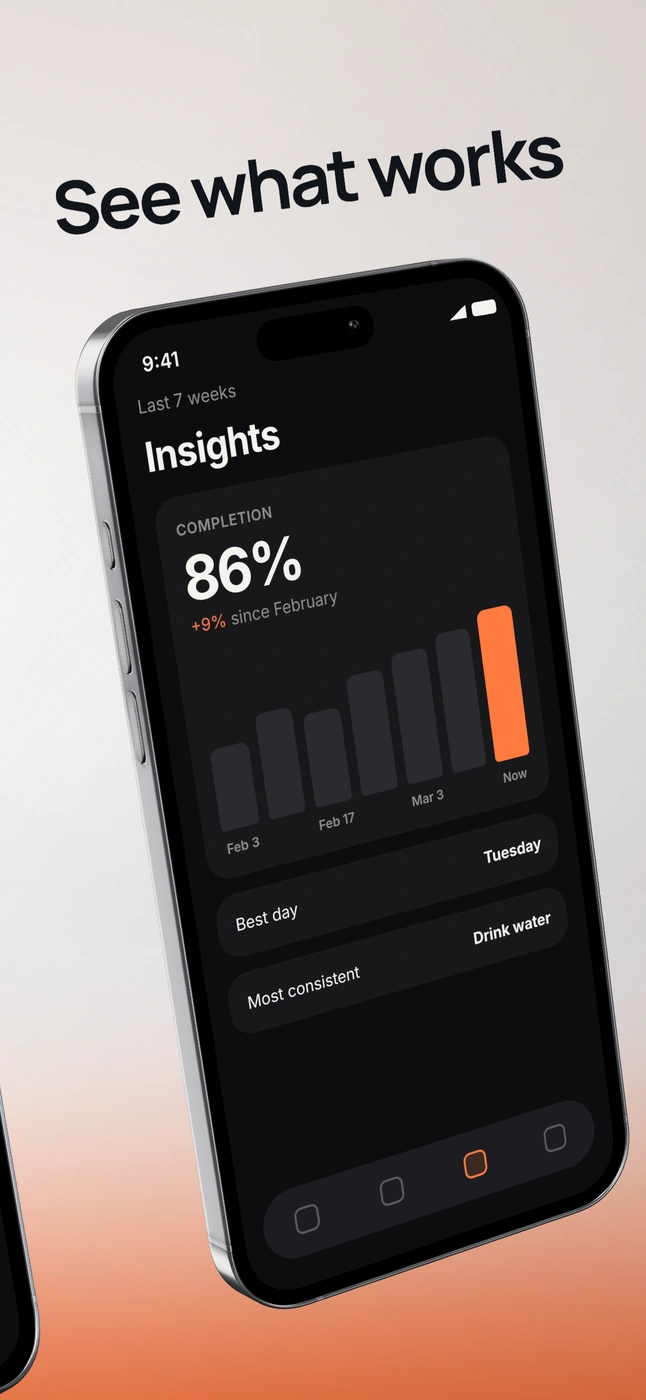
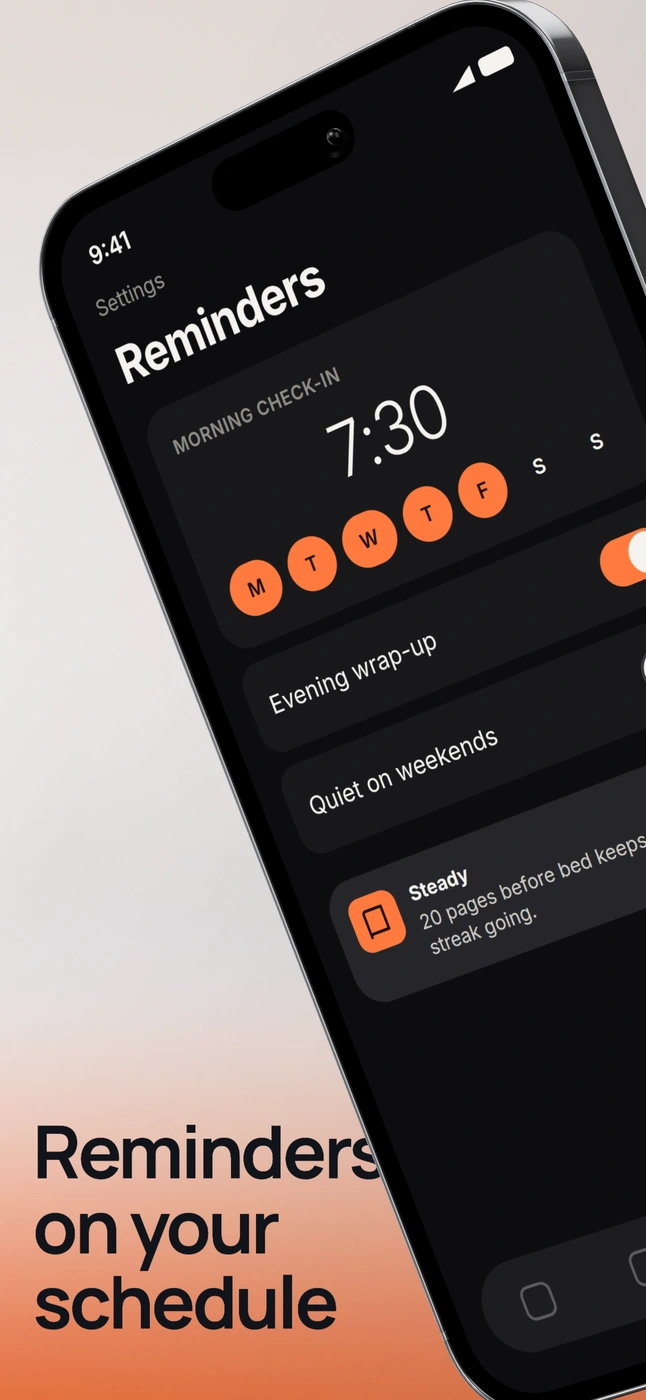
Steady, a habit tracker. A fictional app, presented with real DeioLab exports.
One set. Each slide your own.
Keep the background, type, and device styling together. Change each headline, screenshot, and crop independently. Review the sequence before exporting.
Choose the format. Export the set.
One ZIP with numbered PNGs, in slide order. Each image uses the format you select here.
Create an iPhone setNo watermark. No upload. Keep editing for your next release.
Store-sized images without transparency. Review the store’s current requirements before submitting.
Questions people ask.
Is the App Store screenshot generator free?
Yes. Create and export screenshot sets without an account, subscription, or DeioLab watermark.
Can I make Google Play screenshots too?
Yes. Choose Google Play phone or App Store iPhone when creating your set.
Are my screenshots uploaded?
No. Screenshot import, editing, recovery, and export happen locally in your browser.
Can I replace a screenshot without starting again?
Yes. Replace a slide’s screenshot while keeping its copy, layout, and styling. Every slide remains editable.
How do I check the set before exporting?
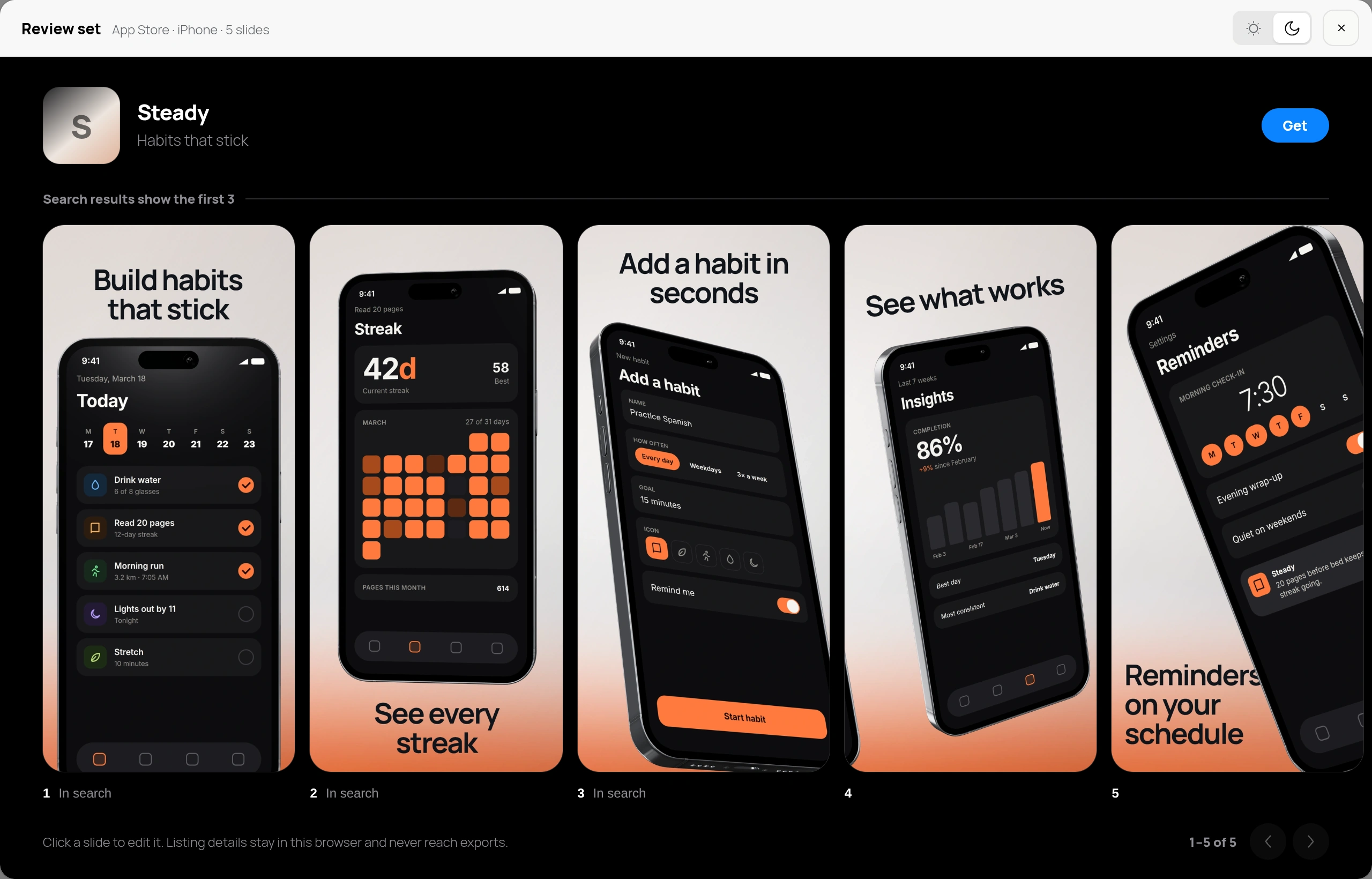
Open Review set from the slide strip. It shows every slide in one row on a light or dark store page, marks the three that App Store search results show, and opens any slide to edit. It approximates the store page; it is not a store simulator.
What do I download?
An ordered ZIP of numbered RGB PNGs without transparency, at the selected store size. DeioLab does not publish to the stores or guarantee approval.