Background generator.
Create a background, make it yours, and download it in the size you need. No image to upload.
Edit colors, texture, and light. Shuffle for another look. Everything stays in your browser.
A background in your own style.
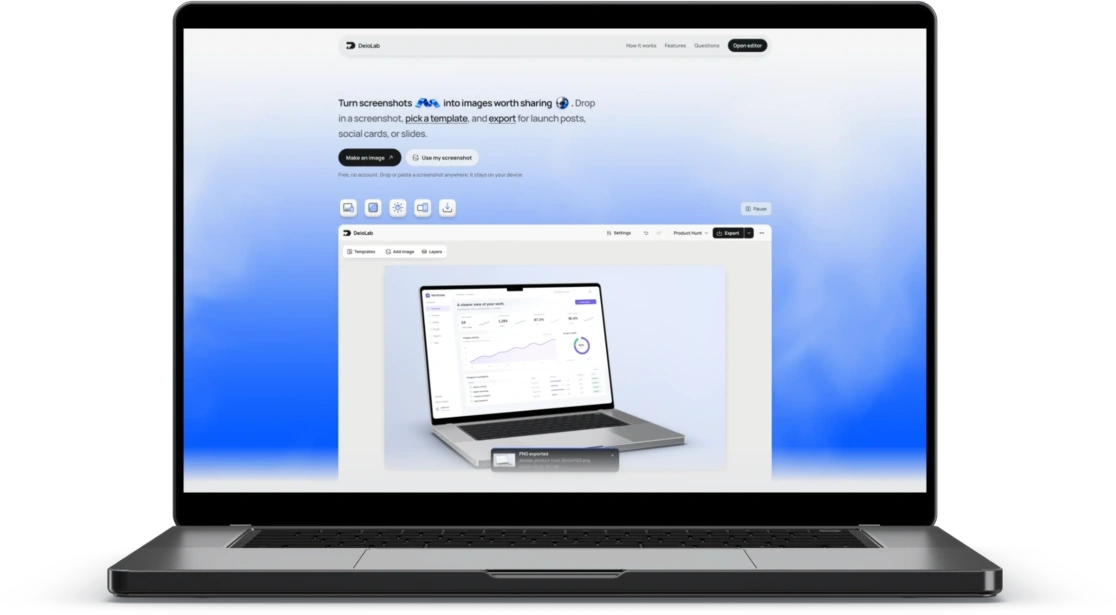
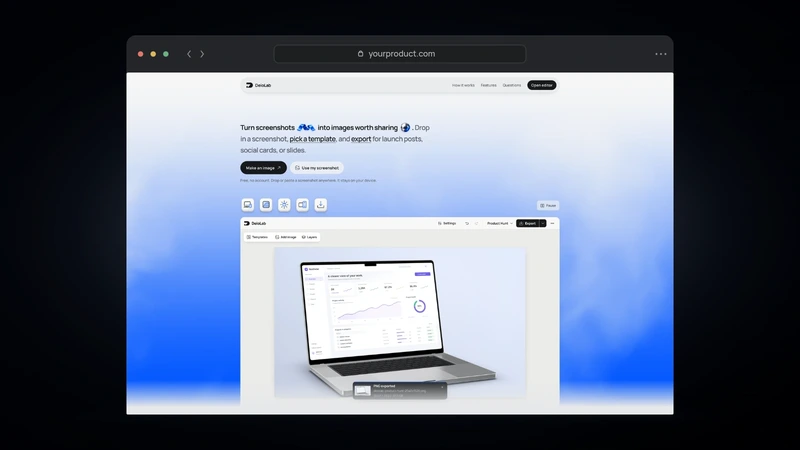
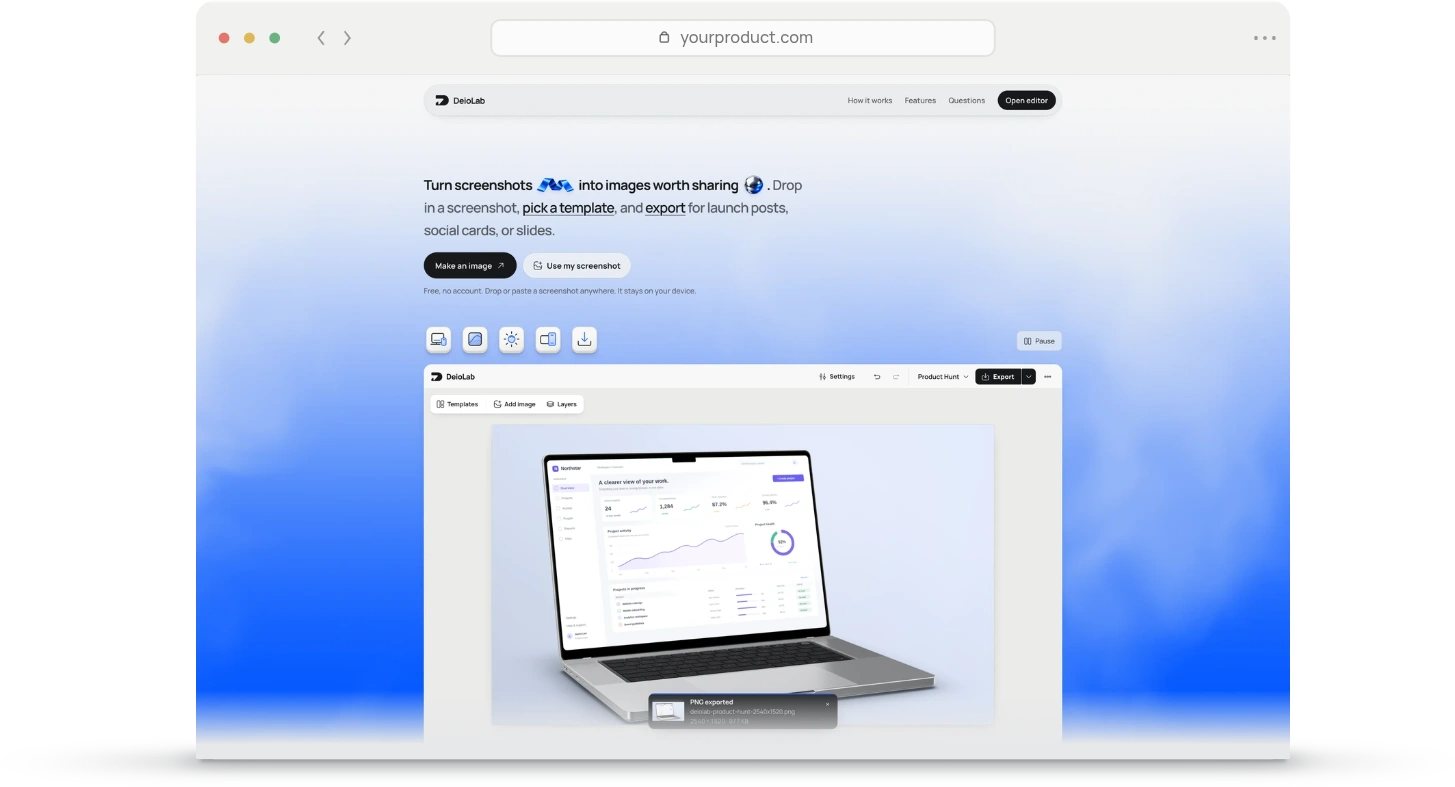
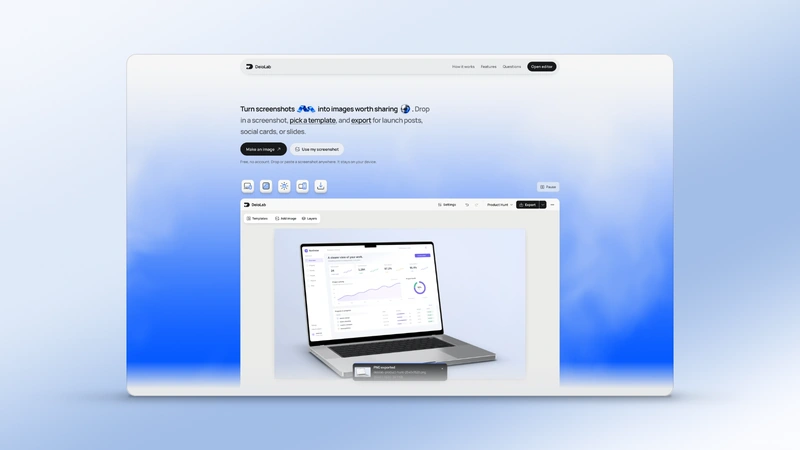
Add a background to a screenshotChoose a look.
Start with a preset, choose a style, or Shuffle for a new palette and composition.
Make it yours.
Edit colors, position the light, and adjust texture and finishing with the full background controls.
Choose a size and download.
Make a desktop or phone wallpaper, a square, or a custom size. Download directly, or continue in the editor.
More tools.
View all tools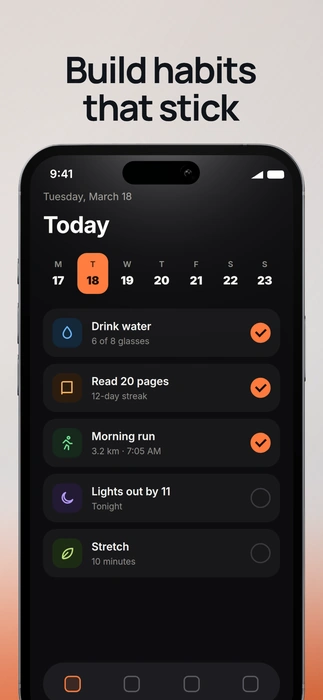
Questions people ask.
Do I need to upload an image?
No. Start with a generated background, edit it, and download it at your chosen size. No screenshot is required.
Is the background generator free?
Yes. Create and download backgrounds without an account, subscription, or watermark.
Which backgrounds can I create?
Use the same backgrounds as the DeioLab editor: gradients, auroras, contours, light blades, solid colors, and more. Edit palettes, textures, light placement, and finishing.
Can I make a 4K wallpaper?
Yes. Choose the 4K preset for a 3840 × 2160 image at 1×. Desktop, square, portrait, phone, and custom dimensions are also available.
Which file types can I download?
Download PNG, JPEG, or WebP. The export menu also offers resolution choices and PNG clipboard copy where your browser supports it.
Can I add my screenshot afterward?
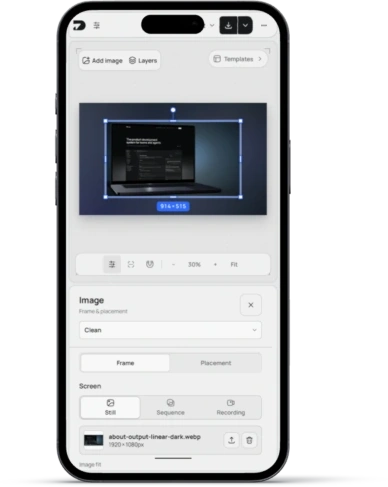
Yes. Open in editor transfers your editable background into the full workspace, where you can add screenshots, devices, and text. The generator keeps its own local draft.